Casa Noir
A home should be experienced.
Visit live site (opens in a new tab)- Concept build, fictional brand
- 2026
- Next.js 16 · React 19 · TypeScript · Tailwind v4 · GSAP · Lenis · Three.js
- 20 sections · ~5,800 lines
Listings flatten architecture.
Property sites sell square footage. A residence like this is bought on how it feels to arrive, move through it and live in it.
“The entire website should feel like a digital architectural film.”
The brief asked for the opposite of a real-estate portal: a site that sells the feeling of owning one specific house, told in the order you would experience it — the approach, the door, the rooms, the day turning to night.
It also set the constraints that shaped every decision: restraint over spectacle, a 2.5D experience over slow 3D, and one system that a developer could reuse for the next property.
- A film, not a portal
- One template, many properties
- 60 fps on modern desktops
The camera is the scroll.
Scroll position drives a camera through the house. Each chapter of the page is one continuous shot rather than a set of animated blocks.

Six signature moments
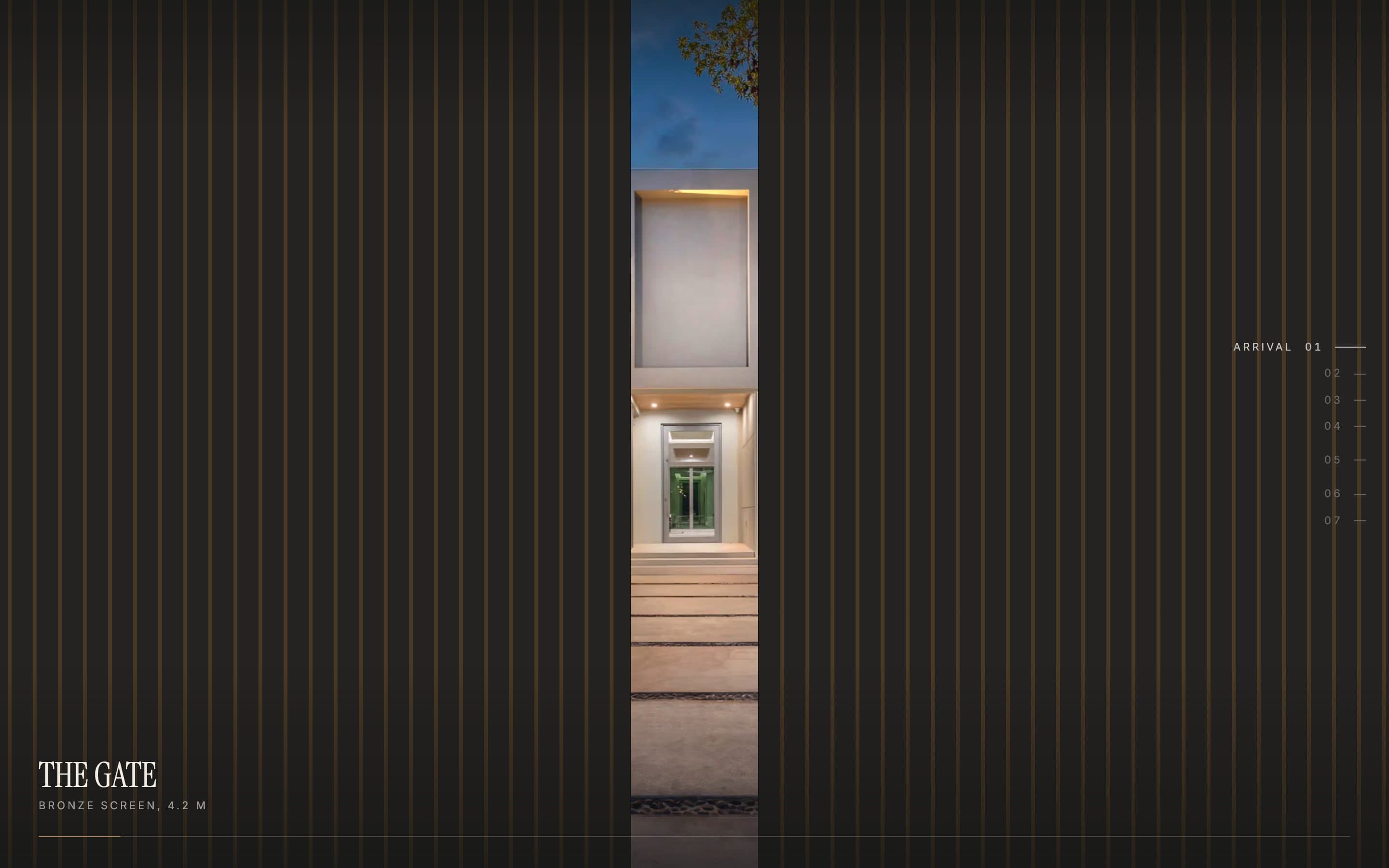
Arrival
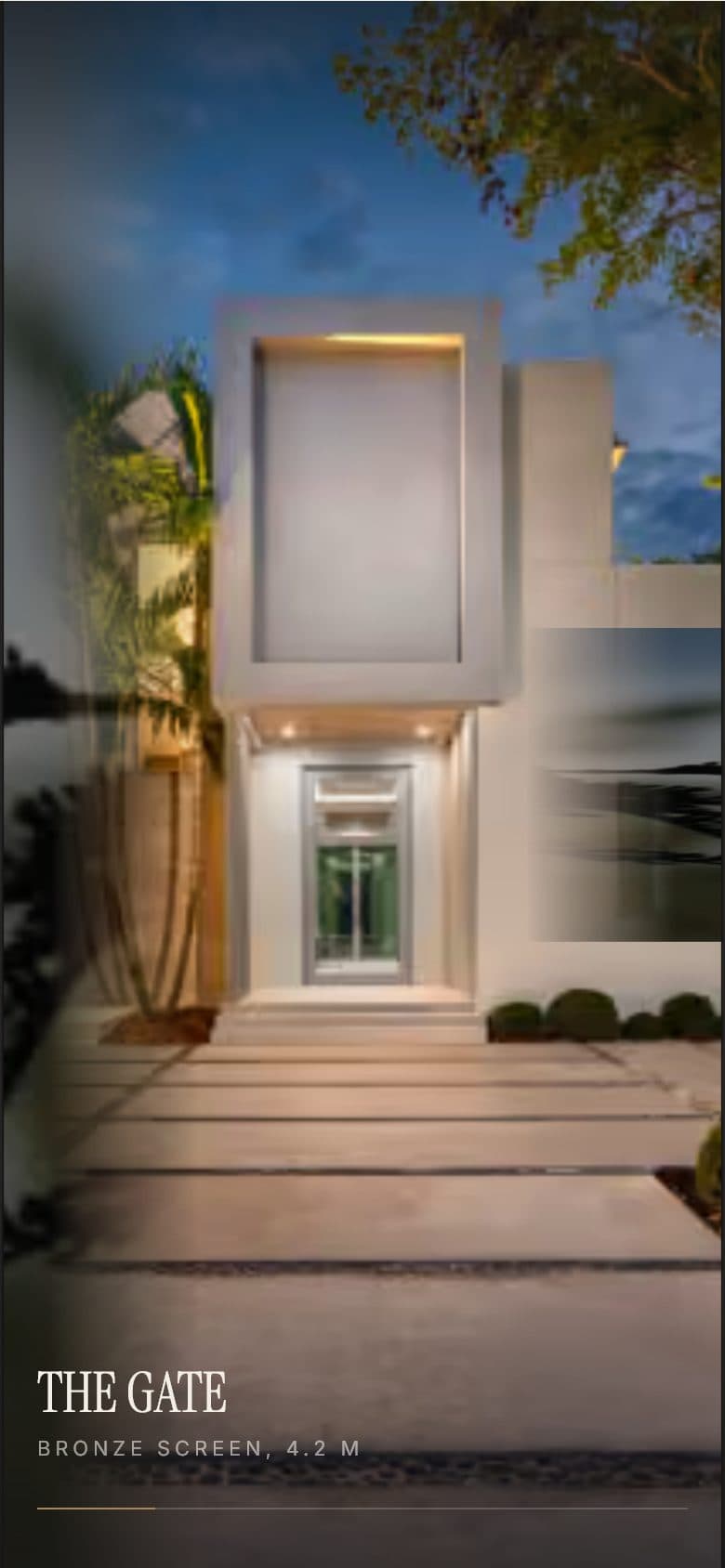
Gate, path, water, door — one continuous shot.
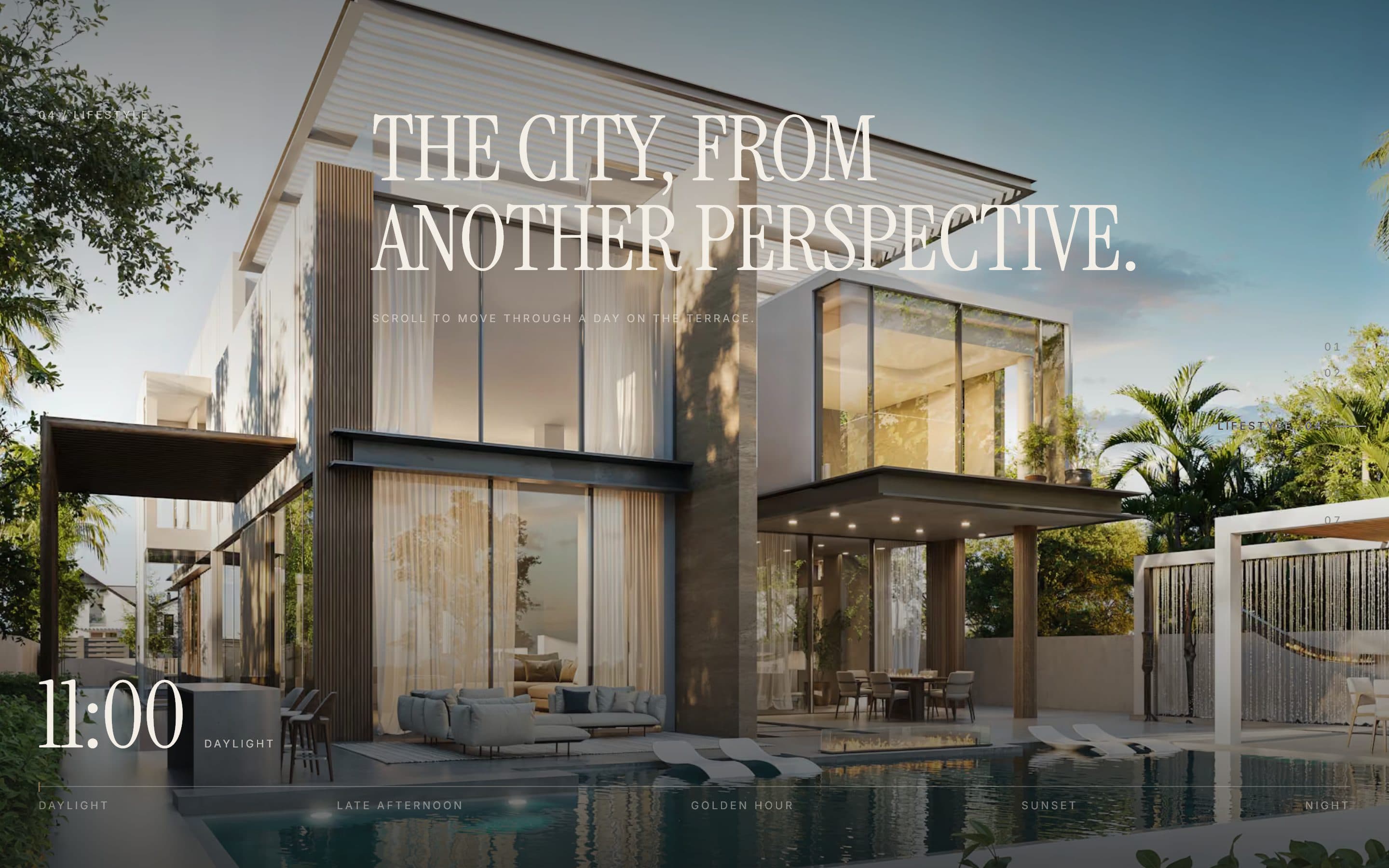
Terrace
The house through a day: scroll is the clock.
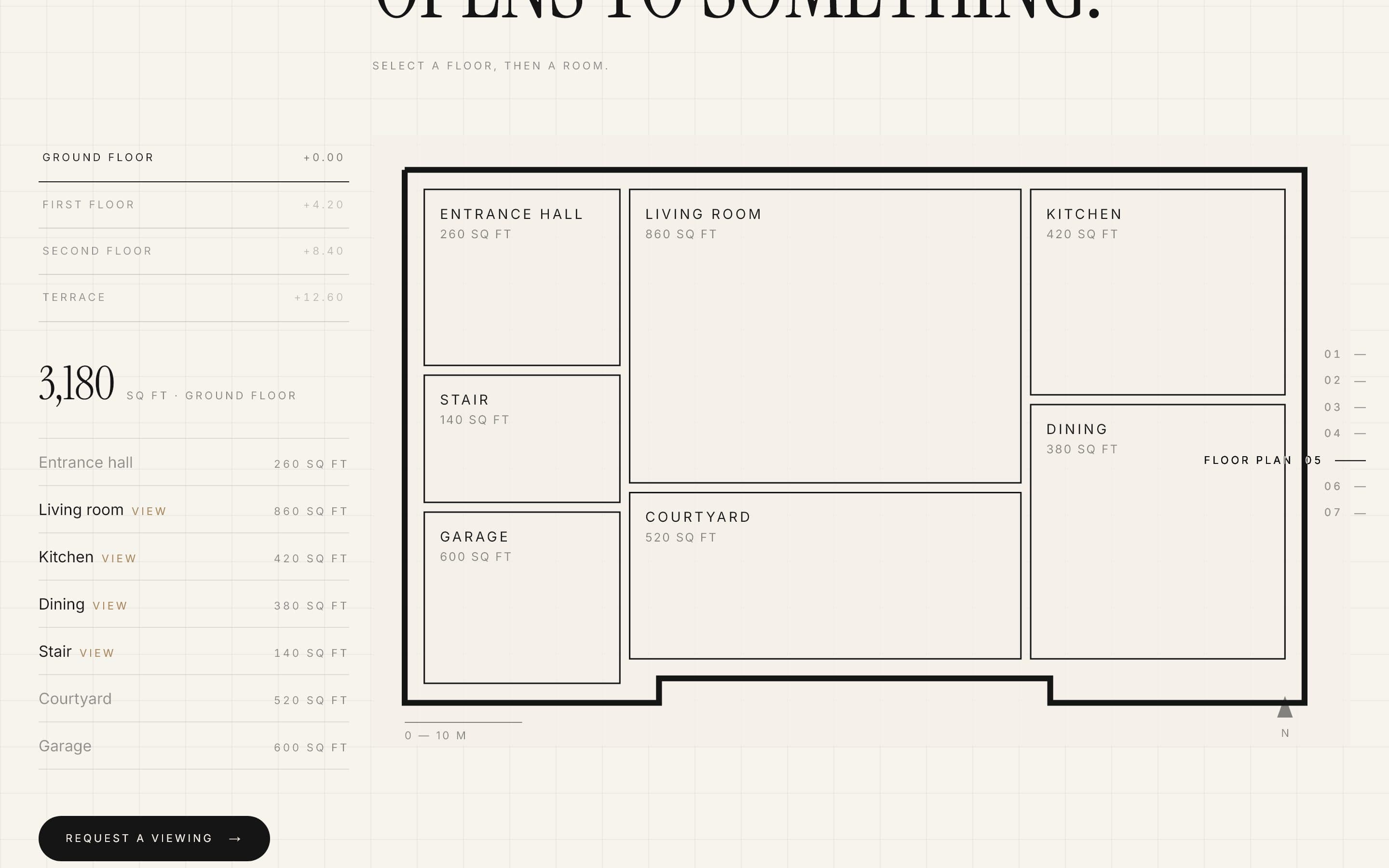
Floor plan → room
Select a room on the plan and its photograph opens from that shape.
Materials
A horizontal pass over seven macro textures.
Studio
A 3D model of the house, loaded only on request.
Location
A pull-back from the house to the whole country.
Design language
Instrument Serif for display, Inter for interface, an ivory / ink palette with a single bronze accent. Every section declares a light or dark theme and the header recolours itself to match, so the chrome never fights the photography.
One template, many properties.
All content lives in typed data files. To rebrand for another property you edit data — the page and animation code don't change.
Layers
Content
Brand, rooms, floor plans, amenities, materials, location — typed TypeScript data. Brand colours flow into CSS variables.
Scenes
20 section components, each owning its own GSAP timeline through useGSAP and gsap.matchMedia.
Motion layer
One place registers ScrollTrigger, sets the default ease and defines the desktop / mobile / reduced-motion conditions every scene uses.
Scroll
A single Lenis instance driven by GSAP's ticker, so smooth scroll and ScrollTrigger never drift apart.
State
Local state everywhere, plus one React context to open the booking dialog. No global store.
const lenis = new Lenis({ duration: 1.25, autoRaf: false });
const raf = (time: number) => lenis.raf(time * 1000);
lenis.on("scroll", ScrollTrigger.update);
gsap.ticker.add(raf);
gsap.ticker.lagSmoothing(0);
One source for plan and model
The floor plans are rectangles in a 1000 × 625 coordinate space. The same data draws the interactive SVG plan and generates the 3D model procedurally, so the two can never disagree.
Moments, not effects.
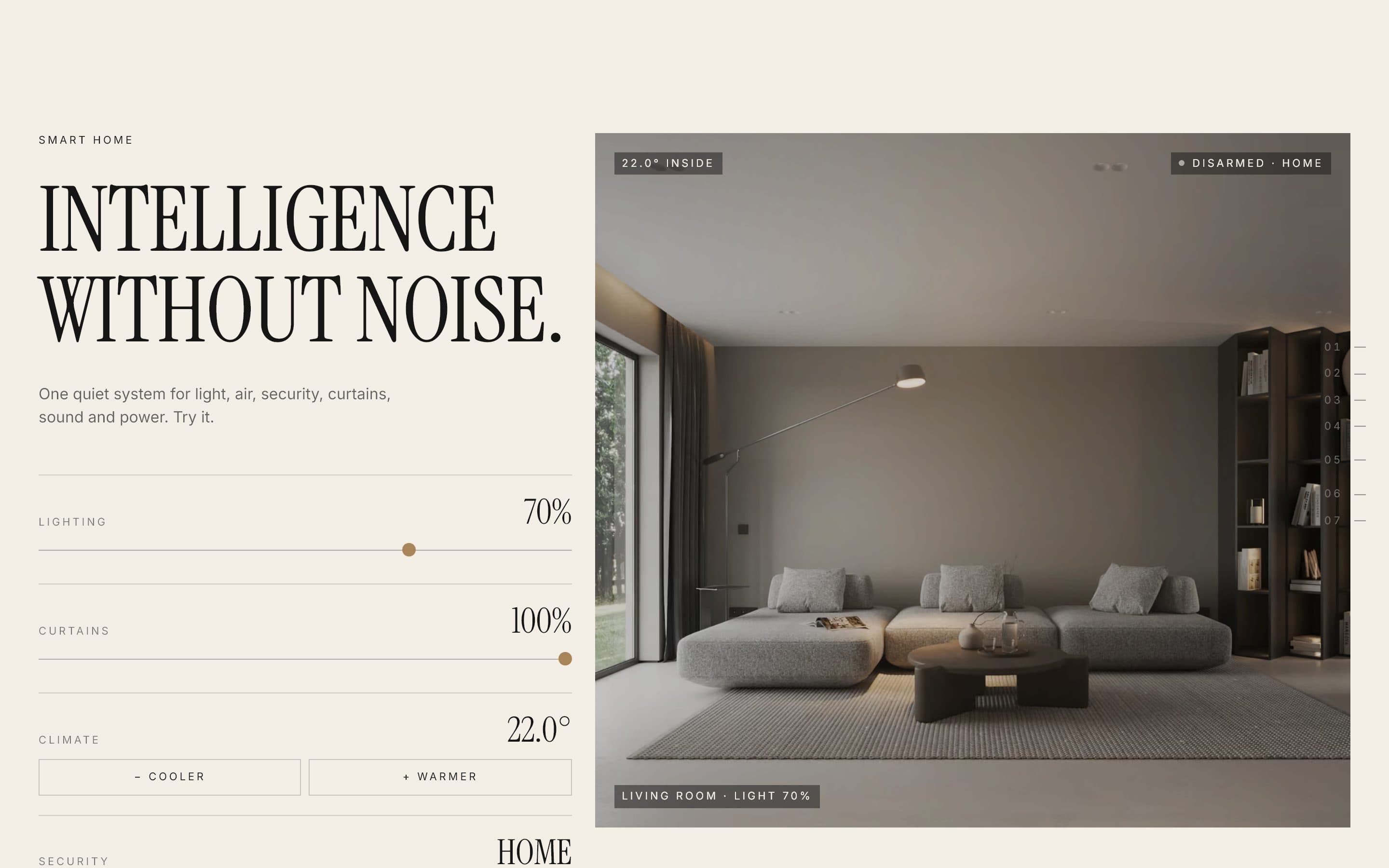
Each signature moment uses the simplest tool that can do it — a pinned timeline, an SVG viewBox, or plain React state.
3D, only when asked
Three.js is the heaviest dependency, so it loads through a dynamic import only after “Open the 3D model” is pressed. It renders on demand instead of in a loop, caps the pixel ratio at 2, disposes everything on close, and falls back to text without WebGL2.
What broke, and how it was fixed.
Scroll-driven sites fail in small, specific ways. These fixes are recorded as comments next to the code that needed them.
Fonts moved every trigger
Web fonts change line heights after load. ScrollTrigger refreshes on load, after document.fonts.ready and on the first frame.
Locked scroll mis-measured pins
Stopping Lenis hides the scrollbar, so pins measured meanwhile were a scrollbar too wide. Unlocking now refreshes ScrollTrigger.
Resizing replayed the intro
The intro runs once; the resize path only rebuilds the scroll timeline with explicit start values.
Reduced motion never fired
gsap.matchMedia only calls back when a condition matches, so reduced motion is its own condition, not an absence.
Hydration mismatch from maths
Server and browser trigonometry can differ in the last digit, so projected map coordinates are rounded before render.
A GPU layer per word
Leftover filter and transform after a text reveal kept a layer per word; reveals now clear those properties when done.
Responsive and accessible by design
Every scene has a desktop, a mobile and a reduced-motion branch. Phones get shorter pins and native scroll-snap instead of pinned horizontal scroll; the floor plan turns portrait; the custom cursor and magnetic buttons exist only for fine pointers. With reduced motion, scenes become still frames and Lenis isn't loaded at all.
Measured — lab, not field data
| Metric | Desktop | Phone |
|---|---|---|
| Largest Contentful Paint | 3.5 s | 7.1 s |
| First Contentful Paint | 0.2 s | 1.6 s |
| Cumulative Layout Shift | 0.000 | 0.003 |
| JavaScript transferred | 233 KB | 233 KB |
| Total transferred | 1.5 MB | 0.6 MB |
| Requests | 22 | 21 |
Reading the numbers
Layout is stable — CLS is effectively zero on both devices — and first paint is fast. Largest Contentful Paint is the outlier: even unthrottled it lands seconds after first paint, which points at the branded intro holding the hero image back rather than the network.
That is the clearest next optimisation: paint the hero image first and let the intro play over it.
Live — and honest about what's left.
A complete, reusable property experience: twenty sections, three device paths per scene, and a 3D studio that costs nothing until it's opened.
Open items
Real photography
The imagery is Unsplash placeholders; a real project needs its own photography, optimised locally, with credits.
Viewing requests
The booking form validates on client and server, but the API only logs requests — it still needs email or CRM delivery.
Faster first view
Let the hero image paint before the intro animation so Largest Contentful Paint isn't gated by it.
Tests and field data
No automated tests yet, and the numbers above are lab runs. Real-user Core Web Vitals, including INP, are the next measurement.